> For the complete documentation index, see [llms.txt](https://docs.rpay.inc/llms.txt). Markdown versions of documentation pages are available by appending `.md` to page URLs; this page is available as [Markdown](https://docs.rpay.inc/user-guide-and-help-videos/merchant-user-guide/settlements.md).
# Settlements
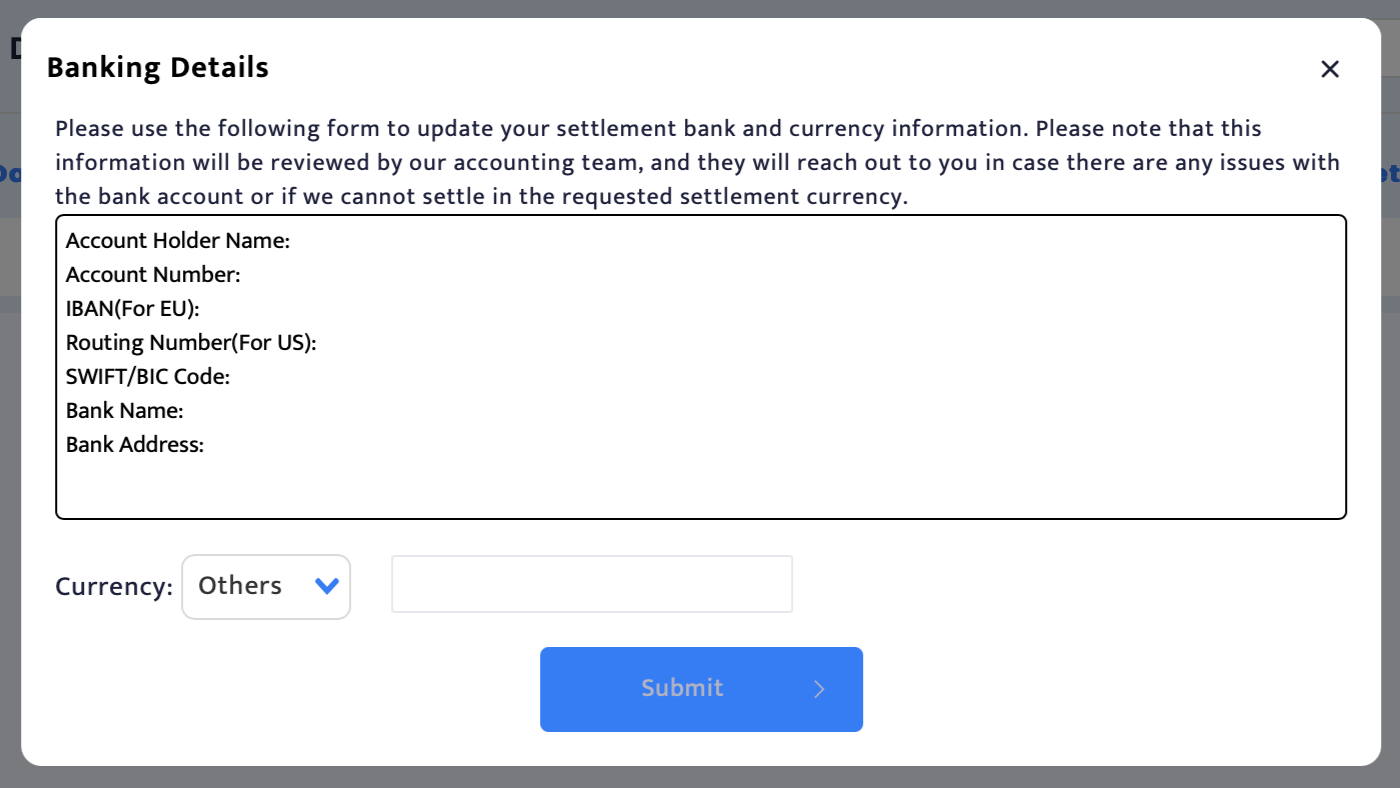
This page helps you request new bank details or crypto wallet address for your settlement. You can click on the 'Request Update' button to fill in the banking/crypto wallet details for settlement and then Submit it for our accounts team to review and approve it.
You will also be able to see the settlement data when updated by RocketFuel's accounts team. The page will show you the below details:\
1\. Settlement Date\
2\. Settlement Period\
3\. Settlement Amount (USD)\
4\. Wiring Fee (USD) - If deducted from your settlement\
5\. Settlement Currency\
6\. Amount Settled