> For the complete documentation index, see [llms.txt](https://docs.rpay.inc/llms.txt). Markdown versions of documentation pages are available by appending `.md` to page URLs; this page is available as [Markdown](https://docs.rpay.inc/user-guide-and-help-videos/merchant-user-guide/sign-up-process.md).
# Sign-up Process
Step 1: To sign up as a merchant to use the RocketFuel payment solution, please contact us. Or your partner will invite you to onboard on the RocketFuel platform.
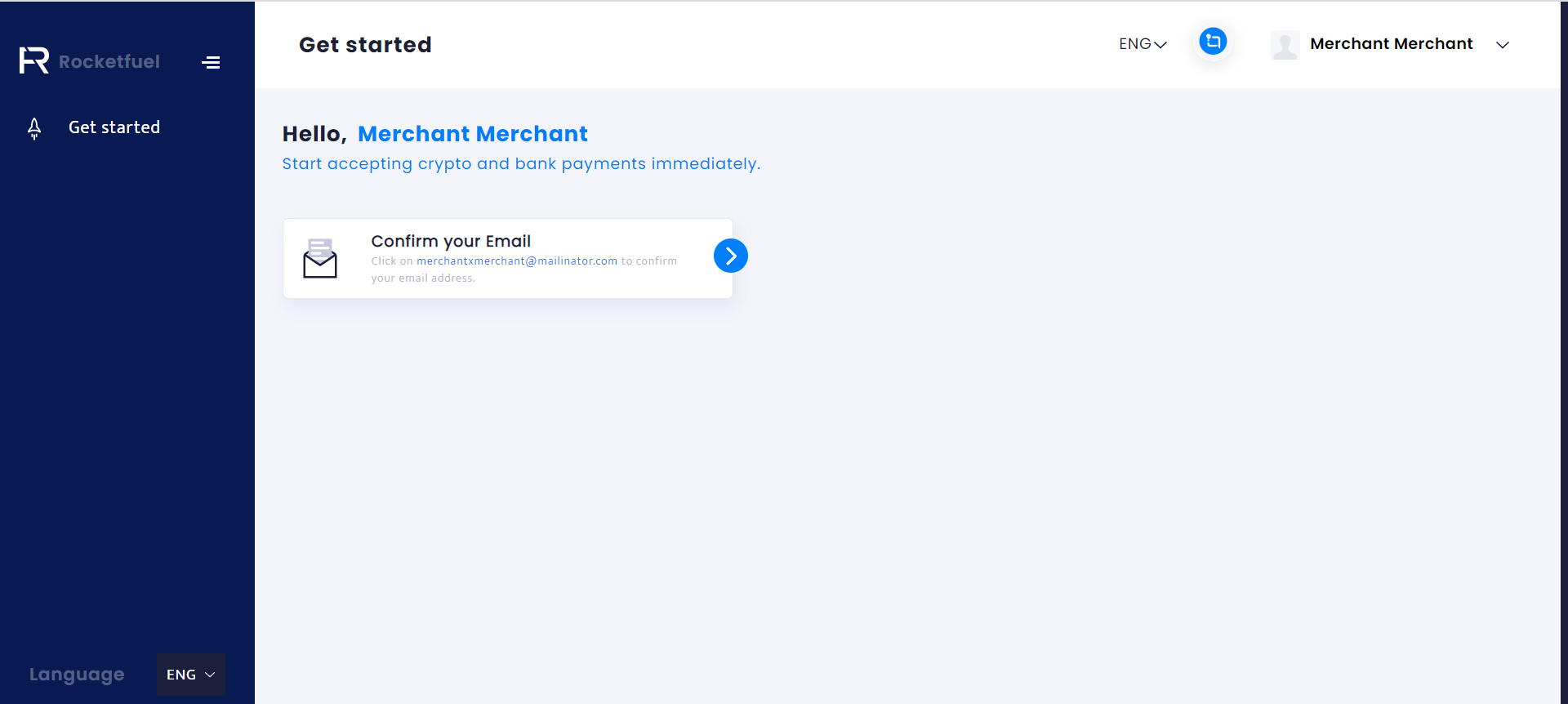
Step 2: Fill the details in fields shown above. You will land on get started page which will look as shown in the image below.
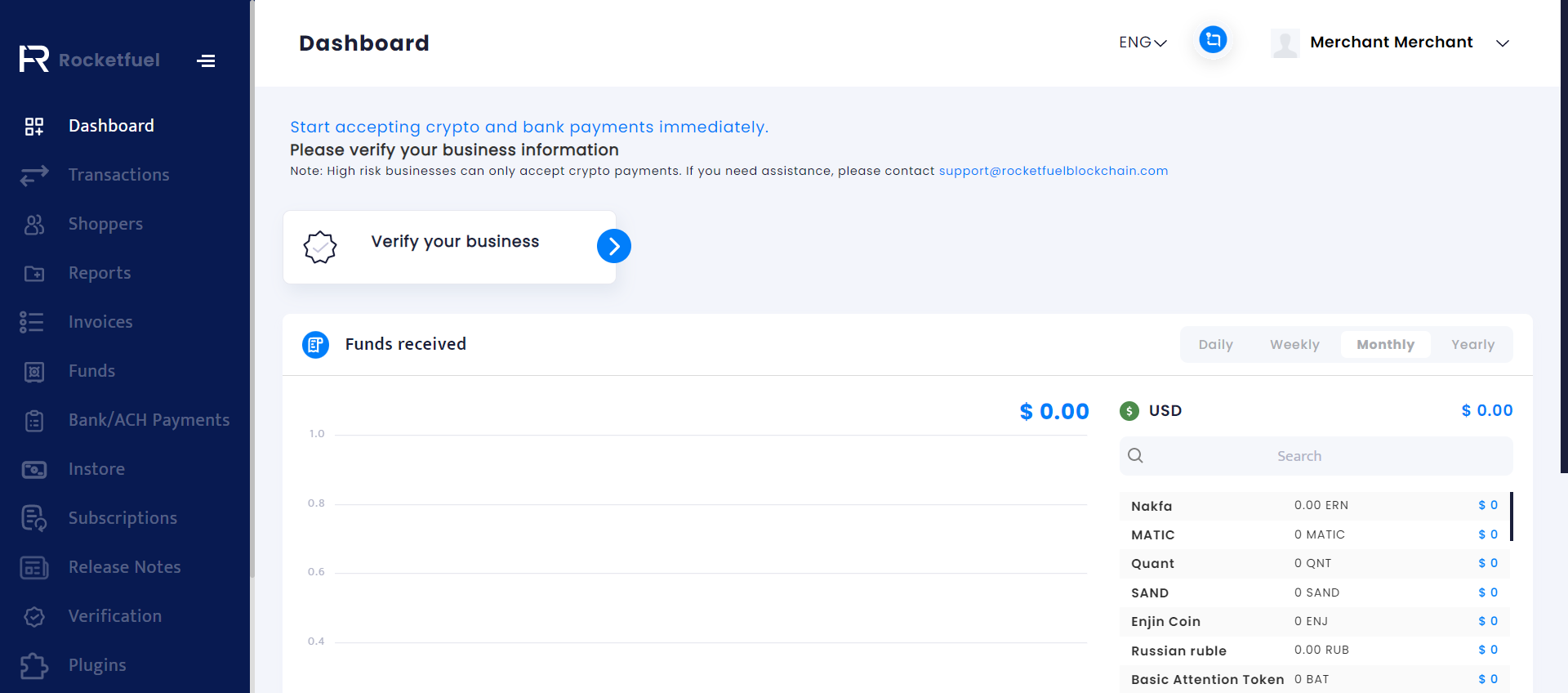
Step 3: Click on Confirm your Email. After you have confirmed your email you can verify your business from the Dashboard or from the Verification menu.